







Enchiridion
The name comes from the Enchiridion, Epictetus's Stoic handbook: the Greek word means "that which is held in the hand." I liked the idea of a manual meant to actually be consulted, not a PDF nobody opens again after the first week.
Where the idea came from
At work, we use a well-made HTML manual template, translation and all, but it's always the same template, for the same kind of product. After a while, I felt like doing something different on my own.
The original idea was much smaller than what it became: just a template with a few different layouts and support for multiple languages, meant for someone with a bit of technical knowledge to tweak the CSS (and a little HTML) and hand it off to someone with no programming knowledge at all, who'd just write the manual's content directly in HTML.
Then I thought about going a step further: the user picks a layout and downloads a .zip with just that template's
essential files. From there it was easy to see I could go further still, letting them pick color, font, language,
everything, before generating that .zip. It grew like that, one step at a time, into the generator it is today:
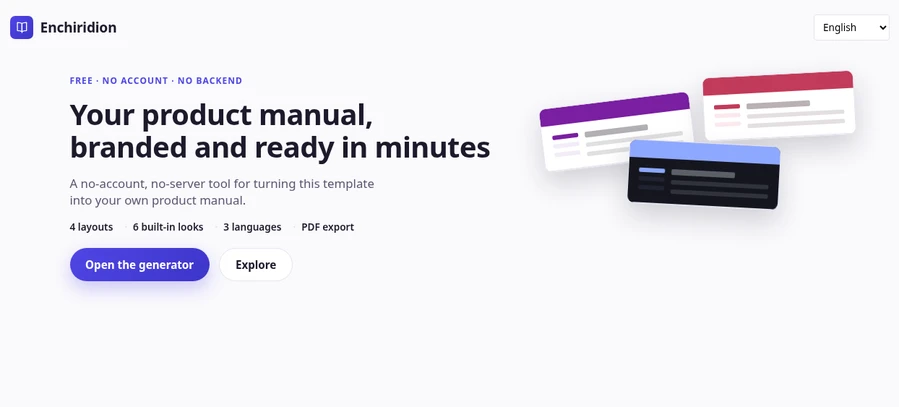
colors, logo, fonts, and one of 4 navigation layouts with a live preview, 6 ready-made visual identities (or a fully
custom one), 3 languages with real translated content, search, and PDF export.
Why plain HTML, CSS, and JS
It wasn't an architecture decision made up front. The original idea was just a simple HTML manual, so starting
without a framework made sense, and the project kept growing on top of that without ever needing to change. Today
that means the final .zip runs on any static host, with no build step and no runtime dependency in production.
Accessibility and testing
Real-time WCAG AA contrast validation showed up when I asked Claude Code (I use AI daily in my development workflow) to research accessibility criteria and help me evaluate the generated manual. The headless test suite wasn't a choice I made upfront either: Puppeteer was the tool Claude itself suggested when I asked it to cover the whole flow: navigation across the layouts, PDF generation, and the final exported package.